
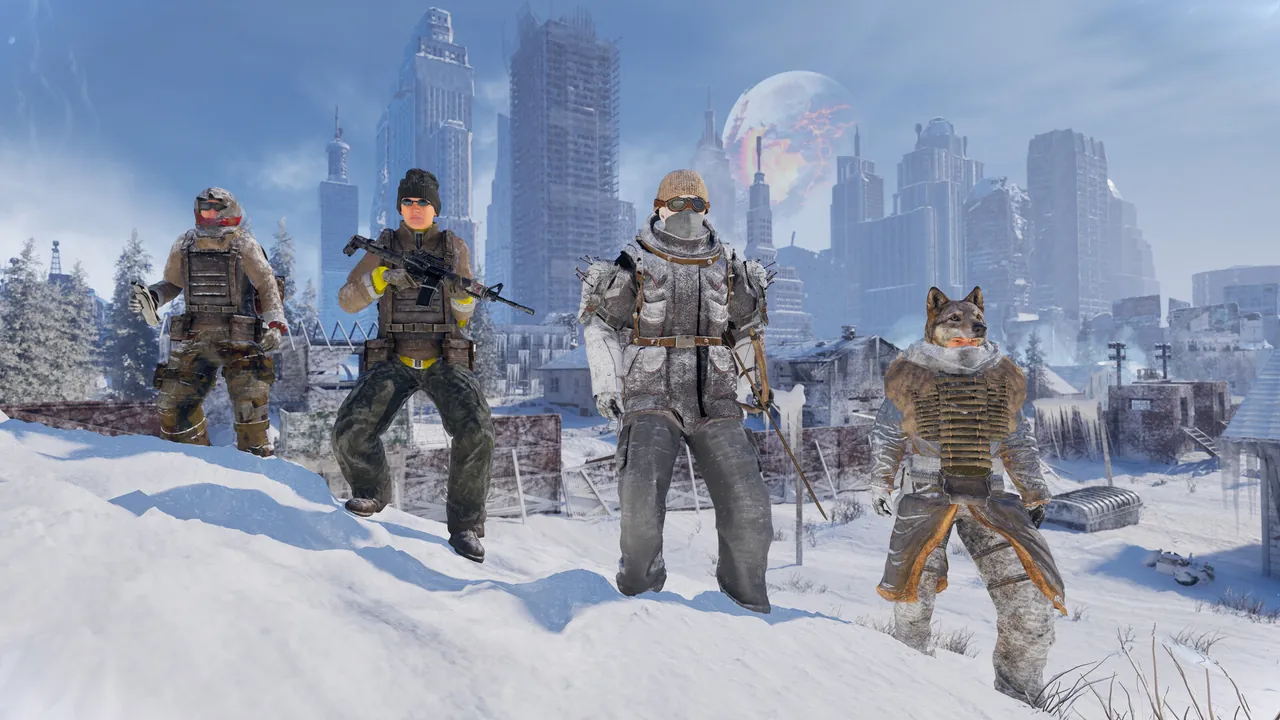
How co-op works
| Question | Answer | Source |
|---|---|---|
| How many players? | 1–4. One player hosts, up to three friends join. | Steam store page |
| Who hosts? | A player. Co-op runs in the host's game; there is no always-on server. | Developers' co-op guide |
| Can friends play the world without the host? | No. The host controls the world save, so guests can only play while the host is online in that world. | Developer reply |
| Do guests keep their progress? | Yes. Each guest has their own character save in that world and syncs back with the host's world when they rejoin. | Developer reply |
| Does my solo character come with me? | No. Characters are tied to a world, so a solo character doesn't carry over into a friend's game. | Developers' co-op guide |
| How many dogs? | One dog per world, also in co-op. Only the host's world has it; guests can see and use it. | Player reports, answered by a forum helper |
| Dedicated servers? | None. The developers say they are not currently planned but would be discussed if enough players ask. | Developer reply |
| Rented servers from hosting companies? | Not provided or officially supported by the developers. One player on a rented server reported that no animals spawned. | Developer reply |
How to host
- Main menu > Play > Host Multiplayer.
- Pick an existing world or create a new one.
- Set a password and share it with your friends.
- Set Max players high enough for your group.
- Start the session and wait for it to load. Next time, load the same world with Host Multiplayer to keep playing together.
The first version of the developers' guide told hosts to set Private to Off, and some forum replies still mention it. The developers later edited the guide to say the option was removed, so don't spend time looking for it.
How to join
- Main menu > Play > Join Multiplayer Sessions.
- Find your friend's session in the browser. If it isn't there, refresh the list several times.
- Enter the password if asked and wait for the world to load.
Some players got in by exiting to the desktop and choosing Join Game on the host in their Steam friends list. Others found this didn't work, so treat it as something to try rather than a fix.
Can't find or join a session
Work down the first row before trying anything else. These steps come from the developers' co-op guide on Steam (external site) and their replies in the Steam discussions.
| Problem | What to try | Status |
|---|---|---|
| Friend's session isn't in the list | 1. The host must start the world with Host Multiplayer; loading a world in solo can't be joined. 2. The host should get past the first cabin in the tutorial area. 3. Refresh the session list repeatedly. 4. Make sure you're both on the latest version: restarting Steam forces a pending update. 5. Turn off any VPN. | Steps 1, 3 and 4 are in the developers' guide; steps 2 and 5 are developer replies. The developers said a fix is being worked on. |
| A saved co-op world no longer shows up after rehosting | No confirmed fix yet. Upload the host's logs (see below). | Known issue, several players affected. |
| Multiplayer options are greyed out, or “Failed due to invalid or missing authentication token” | Check that Steam isn't in offline mode, and turn off any VPN. The game can't reach the Epic Online Services backend it uses for multiplayer. | Developer explanation. |
| Password error | Ask the host for the current password and check for extra spaces. | Developers' guide. |
| Wrong or missing character after joining | The host must load the same world as last time. | Developers' guide. |
| Joined with no gear, or kicked back to the menu after loading | Report it in the Bug Reporting forum with your logs; the developers said this isn't intended. | Under investigation. |
Known co-op bugs
| Bug | What happens | What to try |
|---|---|---|
| Running skill | Joining players' Running skill stops levelling (one report: stuck at level 2). | No workaround yet; added to the developers' report. |
| Dog stuck underground | For a joining player the dog appears buried and can't be used, while others see it normally. | Leave and rejoin the host's session. The reporter said a later update fixed it for them. |
| Quest rewards in co-op | “The Way Home” reward and Skinwalker's chest don't appear for some groups. | See The Way Home on the quest bugs page. |
If nothing works: send your logs
Logs are in %LOCALAPPDATA%\Permafrost\Saved\Logs; paste that into the File Explorer address bar. Upload them at the developers' file upload page (external site) and post in the Steam Bug Reporting forum saying whether you were the host or joining, the step where it fails and the exact error message. Don't post your session password.
Page created October 10, 2026. Steps come from the developers' co-op guide and their replies to players; player-found workarounds are labelled. This site hasn't tested them itself.